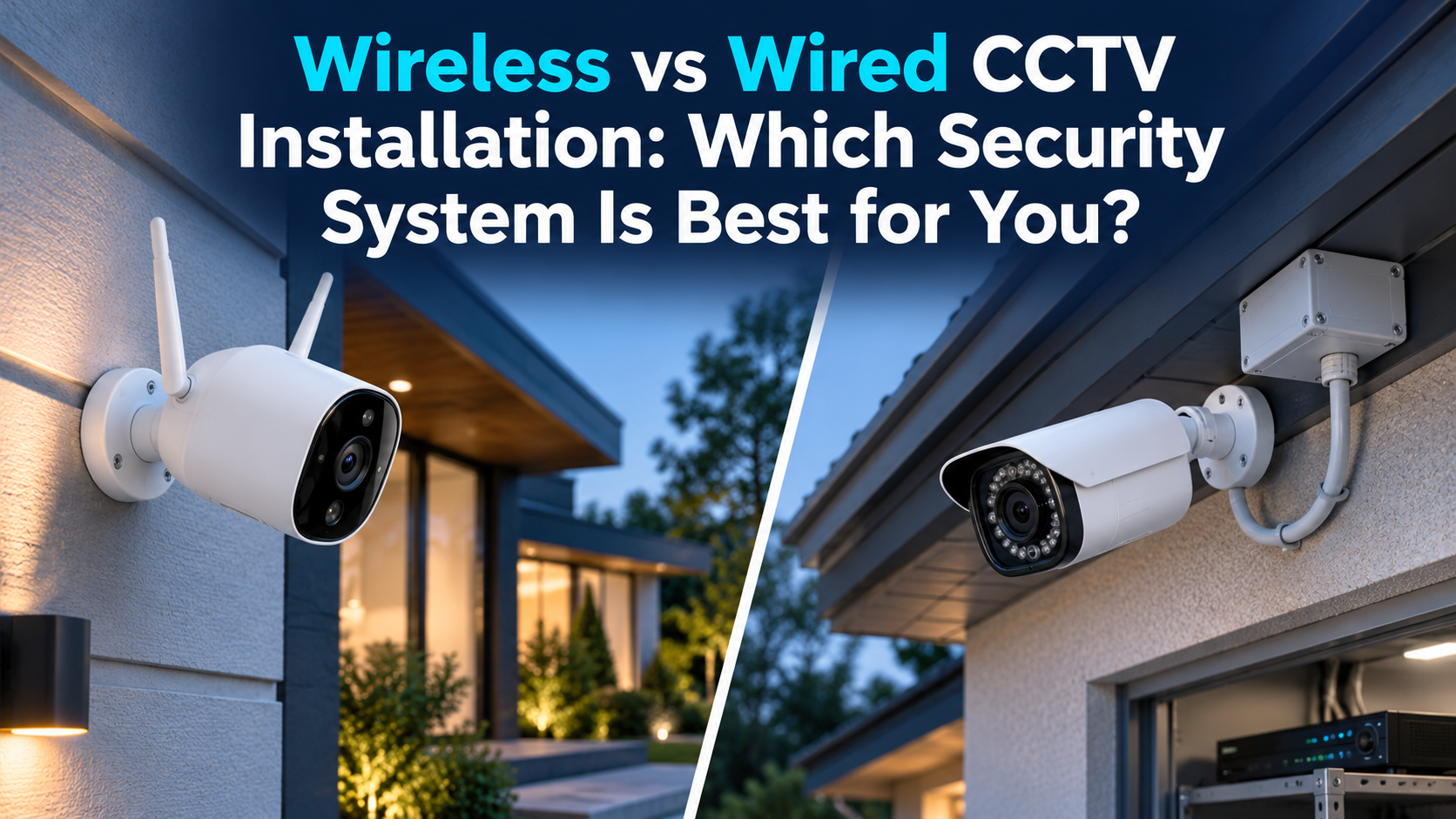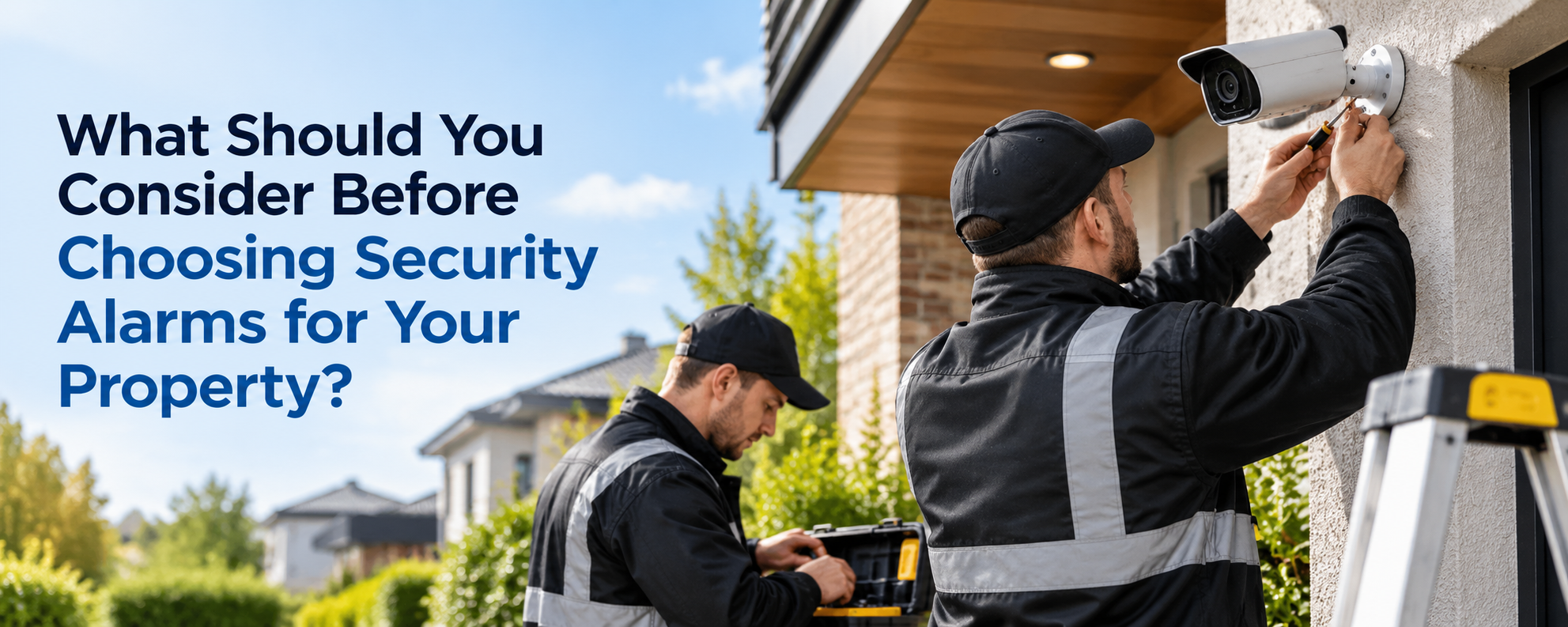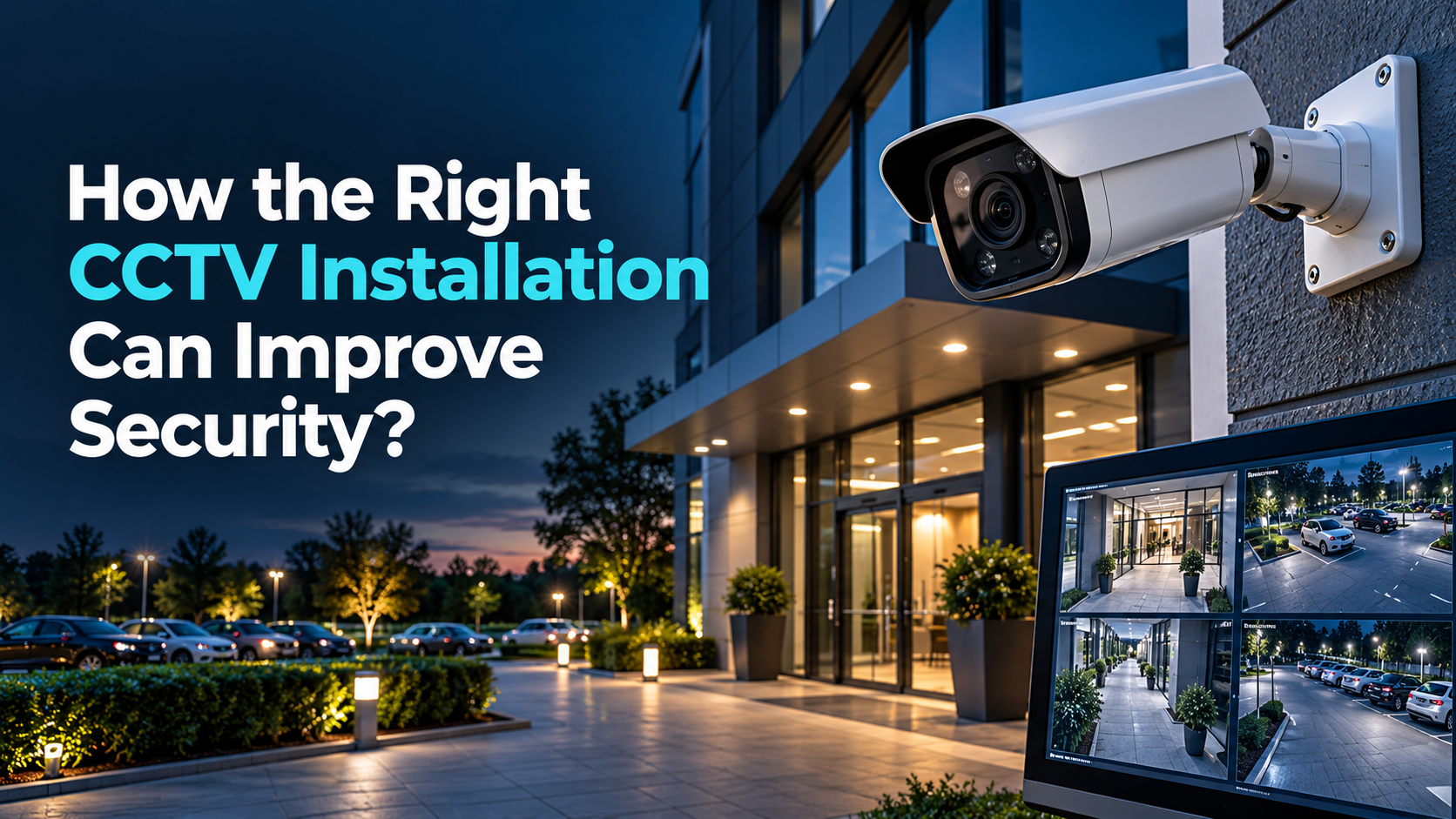
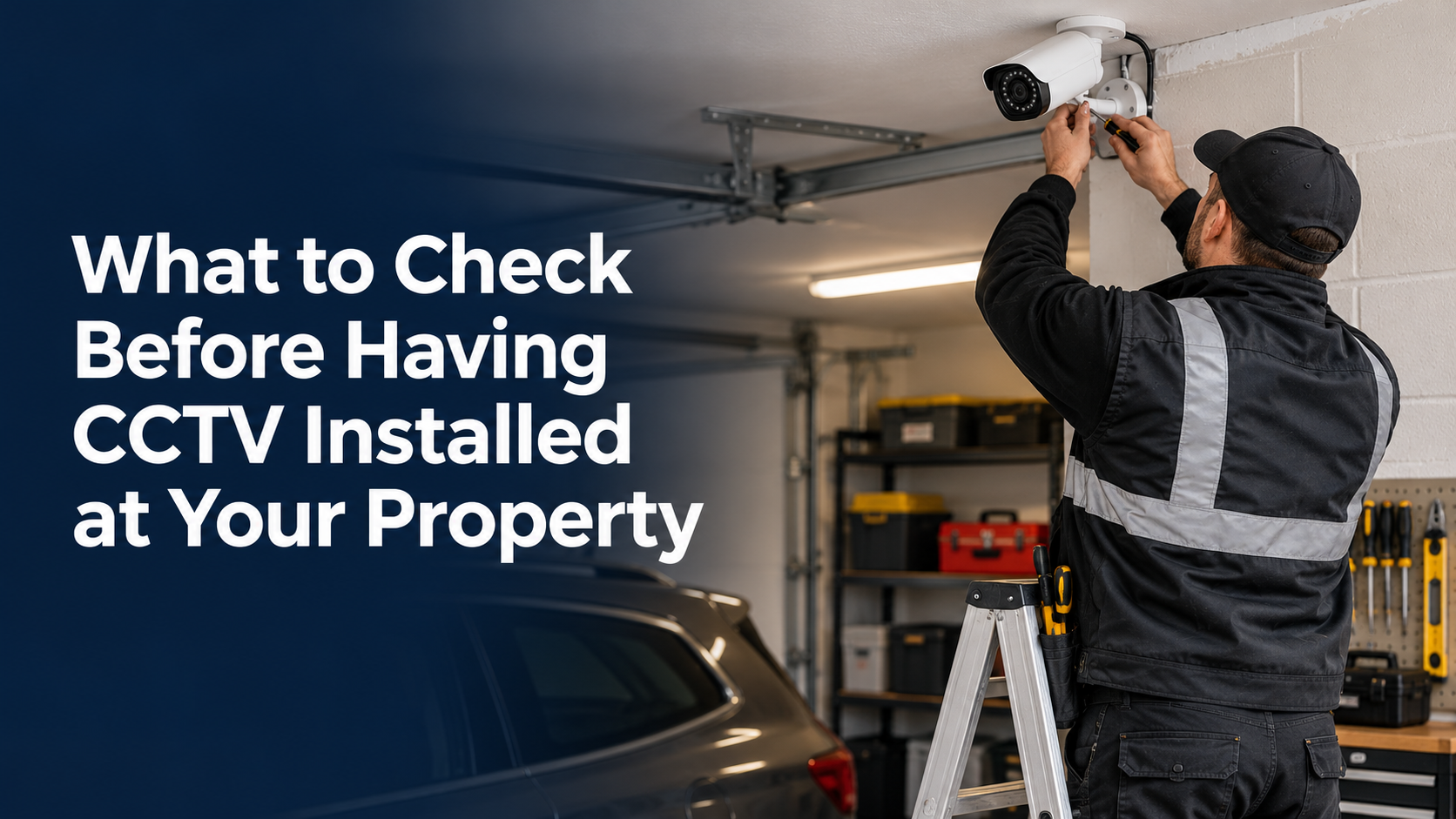
CCTV can play an important role in protecting a home, shop, office, warehouse or other property, but the quality of the system depends on much more than the cameras themselves. A system can have good image quality and still fail to provide useful coverage if the cameras are aimed at the wrong areas, positioned too high, affected by glare or unable to capture important activity. Planning the installation around the property is therefore one of the most important steps.
Before arranging CCTV installation in Rochdale, it is worth looking at the property as a whole and considering where security risks are most likely to occur. Entry points, side passages, rear doors, driveways, car parks and poorly visible areas may all require different types of coverage. Taking time to identify these areas first can help create a system that works for the property rather than simply adding cameras wherever they are easiest to install.
Start With the Areas That Need Monitoring
The first thing to check is where cameras are actually needed. A common mistake is to concentrate on obvious areas such as the front door while overlooking side gates, rear entrances, shared access points or places where someone could move around without being seen. Walk around the full outside area of the property and consider which routes a visitor, customer, delivery driver or unwanted intruder could realistically take.
The layout of the building should also influence the number and position of cameras. A detached house may need coverage around several sides, while a shop or business premises could have entrances, customer areas, storage sections and loading points that need different views. Looking at the property this way can reveal gaps that are easy to miss when planning from a single doorway or front elevation.
Look Carefully at Camera Position
Camera position has a direct effect on the usefulness of recorded footage. A camera may technically cover an entrance but still provide poor results if it is mounted too high, positioned at a sharp angle or placed too far away from the area it is meant to monitor. The aim should be to capture activity clearly while avoiding large areas of unnecessary background that reduce the amount of useful detail in the image.
The approach to each entrance should also be considered. If someone normally walks toward a door from the side, positioning the camera so that it captures that movement can be more useful than pointing it directly at an empty section of wall. Height, angle, distance and viewing direction should all work together so the camera provides the type of footage that will actually be useful later.
Check Daytime and Nighttime Conditions
A camera that performs well during the day may not produce the same results after dark. Changes in natural light, shadows, street lighting and vehicle headlights can all affect what appears in the recording. Before installation, consider what each important area looks like at different times of day instead of judging the location from a bright daytime view.
Night visibility is especially important around gates, driveways, rear entrances and side passages. Security lighting can improve visibility, but badly positioned lights may create glare or bright areas that make the rest of the image difficult to see. The camera and lighting arrangement should therefore be considered together rather than treating them as separate parts of the security setup.
Pay Attention to Entry Points
Doors and gates are among the most important parts of a property to monitor because they show where people enter and leave. However, simply placing a camera somewhere near an entrance does not guarantee useful footage. The camera needs to capture enough of the approach, doorway and surrounding area to show what happened before a person entered or left.
For a business, this could include a customer entrance, staff access point, delivery door or rear loading area. At a home, attention may be needed around the front entrance, side gate, garage and rear door. Each access point should be considered according to how people use it and whether the camera provides enough detail to understand activity clearly.
Find Potential Blind Spots
Blind spots can appear even when a property seems to have good overall coverage. Walls, fences, trees, roof sections, extensions, parked vehicles and neighbouring structures can all block part of a camera’s view. A camera may appear to cover a garden or driveway while leaving a narrow but important section completely outside its field of view.
It is useful to check these areas from the camera’s actual position rather than only from ground level. Consider what the view looks like when doors are open, vehicles are parked or vegetation has grown. Identifying these problems before installation is much easier than discovering later that an important part of the property cannot be seen clearly.
Think About the Level of Detail Required
Not every camera needs to perform exactly the same job. A camera covering a large driveway may need a broad view that shows movement across the area, while a camera near a front entrance may need a more focused image that provides better detail. The purpose of each camera should therefore be clear before equipment is selected.
This is particularly important when the owner expects the system to help identify people, vehicles or specific activity. A very wide image can cover more space but may leave subjects too small in the frame. Matching the camera to the location and purpose helps avoid spending money on a system that looks impressive on paper but delivers limited detail where it matters most.
Check the Recording Setup
The cameras themselves are only one part of a CCTV system. Recordings need to be stored somewhere, and the storage arrangement should suit the number of cameras and the amount of footage being captured. A larger property with several cameras recording throughout the day will naturally require more storage than a small home system with limited coverage.
Before installation, ask how long footage is expected to remain available and what happens when storage becomes full. It is also worth checking where the recording equipment will be located. Keeping it in a secure and sensible position can reduce the risk of someone accessing or damaging the recorder if they manage to enter the property.
Consider Remote Viewing
Remote viewing can be useful when property owners need to check what is happening while they are away. A phone, tablet or computer can provide access to live cameras or recorded footage, depending on the system. This can be particularly useful for businesses where a manager may not be on site throughout the day.
However, remote access should be considered from a security perspective as well as a convenience feature. Only authorised people should have access to the system, and account details should be managed carefully. Before installation, it is sensible to decide who needs access and whether permissions can be changed easily when circumstances change.
Check Network and Power Requirements
Modern CCTV systems may depend on network connections, suitable power supplies and reliable communication between cameras and recording equipment. These requirements should be considered before installation begins, particularly in larger buildings where cameras may be located some distance from the recorder or network equipment.
Cable routes also matter because they affect how neat, secure and practical the finished installation will be. Poorly planned routes can create unnecessary visible cabling or make future maintenance more difficult. A property assessment before installation can help identify the most suitable routes and highlight technical issues before they cause delays or additional work.
Think About Privacy and Camera Direction
A security camera should be focused on areas that genuinely require monitoring. When cameras are positioned around the outside of a property, it is important to consider where the field of view extends and whether nearby areas could unintentionally appear in recordings. Careful positioning can often provide the required security coverage without recording more than is necessary.
It is also worth deciding who should be able to view recorded footage and how access will be managed. This becomes particularly important in workplaces where several people may use the system. Clear access arrangements can make the system easier to manage while reducing the risk of recordings being viewed by people who do not need access to them.
Test the System Before Signing It Off
Once the cameras are installed, do not rely only on the live image shown on a monitor or phone. Each camera should be checked from the perspective of the areas it is supposed to cover. Look for dark sections, glare, obstructions, awkward angles and parts of the property that disappear when doors, gates or vehicles are in use.
Recorded footage should also be reviewed rather than checking only the live view. This can confirm that the cameras are recording properly, the time and date are correct and the image remains useful under different lighting conditions. Making small adjustments at this stage can prevent bigger problems later when the footage is actually needed.
Final Words
A good CCTV system should be built around the property, its layout and the way people move through it. Camera numbers alone do not determine whether a system will perform well. Coverage, positioning, lighting, recording, storage, network requirements and access all influence how useful the finished installation will be.
Taking these points into account before the work begins can reduce blind spots and improve the quality of the footage captured around important areas. Whether the property is a home, retail premises, office or larger commercial building, a carefully planned CCTV installation is far more useful than a system based only on convenience or appearance.